Disclosure Partner links are marked. We may earn a commission if you use one. It costs you nothing extra and never changes our verdict. How we review
AI videos for traders are short clips that explain one chart you already have. The workflow is a screenshot, a hook and a script, an AI-made video, captions, and a disclaimer that stays on screen. Nothing in the clip should promise a result, and the picture should be labelled AI-made.
How do you make AI videos for traders?
You make them in five steps: save one chart, write a hook and a script, generate an AI-made clip, add captions, and keep a disclaimer on screen.
The job of the clip is to teach one point a viewer can check. It might show where the swing high and swing low sit on a daily gold chart. It might show why the same month can look calm on gold and wild on silver. It is not a forecast, and it is not a personal instruction to buy or sell.
Keep one idea in one clip. A second idea is a second clip. A short video that tries to cover the news, the chart, a product and a call to act will either rush the warning or drop it. Regulators in the UK expect each social post to stand on its own. A viewer who never taps through to a longer page should still see the limit of what you are showing.
This guide was drafted with AI tools and checked against Baroq's published review rules. The same standard applies to the clip you publish: if a machine made it, say so where people can see it.
| Step | What you do | What you leave out |
|---|---|---|
| Chart screenshot | One market, one timeframe, symbol and date visible | Account numbers, balances, order tickets |
| Script and hook | One question, then a short answer, then a stop | Any line that tells a stranger the next move |
| AI video | A still chart, a slow move, candles unchanged | A model that redraws prices or invents candles |
| Captions | Your script, burned onto the picture, readable on a phone | Auto-captions that cut the last line off |
| Disclaimer | AI-made, educational, not a recommendation, you can lose money | A warning that lives only in the post description |
Which chart screenshot should you start from?
Start from one chart you can explain, with the market, the timeframe and the date visible in the picture.
Open the market on Baroq Markets and match the symbol before you shoot. A gold clip should be gold. If the page you are looking at is a different contract, a different currency or a delayed print, say that in the script or pick another chart. Do not describe a picture you cannot tie back to a market someone else can open.
Frame the shot so three facts survive a crop:
- The symbol. "Gold" is not enough if the chart is a miner, a fund or a futures month. Write the name you actually see.
- The timeframe. Daily, four hour, one hour. Say it in the hook. A one-hour swing and a monthly swing are different pictures.
- The window. The date at the right edge, or the range the axis covers. A chart with no date invites people to treat an old picture as live.
Crop out anything that is not the chart. That includes account numbers, balances, open orders and any panel that shows a personal result. A clean chart is easier to check, and it does not drag a private screen into public.
Use the screenshot as the record. Save the file with the symbol and the date in the name, and keep it next to the clip. If someone asks what you showed, you can put the still beside the video.
Two markets need extra care. A gold-versus-silver clip should follow the written comparison, not a slogan: Gold vs silver sets out swings, tax, storage and the ratio. A clip that drifts from the chart into bars and coins should follow How to buy physical gold and Gold bars vs gold coins. Do not invent a premium, a tax rate or a buy-back price. Those figures change, and they are easy to get wrong on camera.
How do you write the hook and the script?
Write a hook that names the chart and the question, then a script that answers that one question and stops.
The hook is the first sentence people hear and the first line of the captions. It should say the market, the timeframe and the limit of the clip. A useful hook sounds like this: "Daily gold chart. Here is the last swing high and the last swing low. This is not a trade." A weak hook teases a result: "What gold does next" is a forecast dressed as a question. Cut it.
Then write the script in plain sentences before you open any video tool. Reading it aloud is the test. If you run out of breath, it is too long for one clip. A practical length is well under a minute: a hook, three or four sentences, and the disclaimer. You are not filming a lesson. You are labelling a picture.
A script that stays honest has four beats:
- Name the picture. Market, timeframe, date window.
- Say the one fact. For example, which mark on this window is the highest and which is the lowest.
- Say what the picture cannot do. Price can leave that range on the next bar. The past window is not a plan.
- Close with the disclaimer, in the same words you will print on the screen.
Here is a full script you can adapt. Change the market and the dates so they match your screenshot. Do not keep these words if they do not match the picture.
Daily gold chart, the window on this screenshot. The highest mark in the window is the swing high. The lowest mark is the swing low. Price can leave both on the next bar. This is a description of the past window, not a plan to buy or sell. AI-made. Educational only. Not a recommendation. You can lose money.
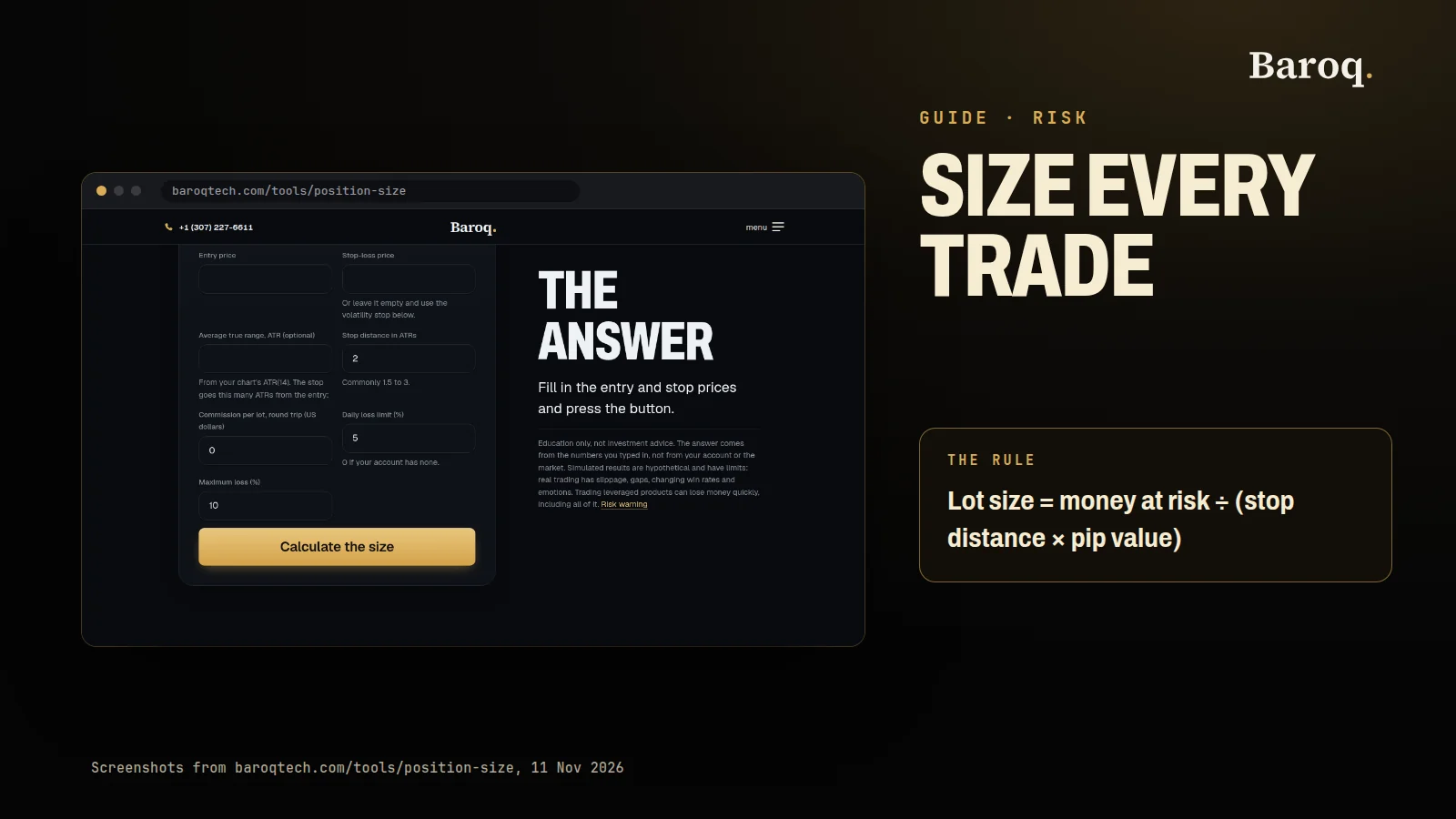
If you mention a size at all, show the arithmetic instead of a result. The position size calculator turns a stop distance and the loss you can accept into a size. It does not say the trade will work. Many clips are clearer with no size in them. A definition of a swing high does not need a lot size.
Write the hook and the close first, then the middle. The middle is the part you will be tempted to decorate. The hook and the close are the part a stranger actually uses to judge whether the clip is information or a push.
How do you turn the chart into an AI video?
Upload the screenshot, paste the script as the prompt, and keep the chart readable in the clip the tool returns.
Image-to-video tools are built to invent motion. That is useful for a slow zoom. It is a problem for a chart, because a model that "continues" a picture will often redraw shapes. A new candle, a moved price or a changed date makes the clip false even if your script is careful. Treat the screenshot as locked. The only motion you want is a camera move that does not edit the data, or no motion at all beyond captions you wrote.
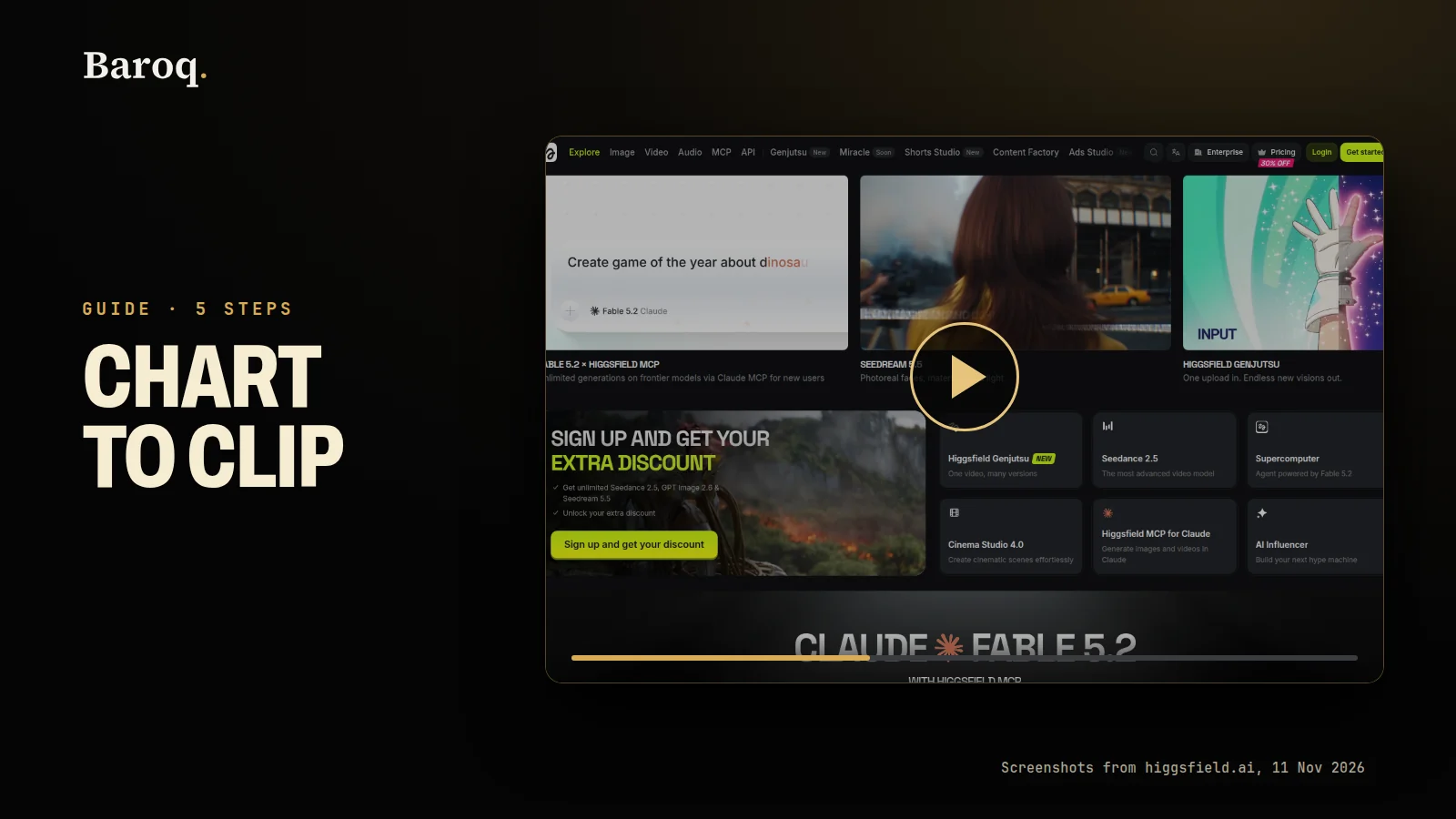
On 10 November 2026, Higgsfield's image-to-video page said you upload an image and describe the motion in a text prompt, then generate and download a clip: https://higgsfield.ai/image-to-video-ai. Its help page for the DoP image-to-video model listed clip lengths of 3 or 5 seconds for that model, and said the credit cost is shown before you confirm: https://higgsfield.ai/creator-hub/help-center/ai-models/how-do-i-use-dop. Lengths, models and prices change. Read them on the screen that day. This guide does not quote a fee. Check the current price on Higgsfield's own pricing page: https://higgsfield.ai/pricing.
This is an affiliate link: HiggsfieldPartner. If you open an account through it, Higgsfield may pay Baroq a commission. That does not change the price you pay, and it does not change the rule about the chart. If the clip mentions the tool, say in the video that the mention is an affiliate link, in the same spirit as the Partner tag on this page.
A prompt that protects the chart is boring on purpose. Use something close to this, edited so it matches your file:
Slow zoom toward the centre of this chart. Do not change any candle, number, word or colour. Do not add a new graphic, a new price or a new date. No people. No cash. No arrows that were not on the screenshot.
Then check the file before you fall in love with it:
- Pick three frames: the first, the middle and the last.
- Put each one next to the screenshot.
- If a candle, a gridline, a price or a date differs, delete the clip and try a smaller move, or skip the generated motion and use the still with captions only.
- If the tool offers a longer clip by inventing what happens next, refuse that option. "What happens next" on a price chart is a fabricated future.
A still screenshot with captions you wrote is a valid video. You do not owe the model a hallucinated pan. The test is whether a careful viewer can still read the original chart.
How do you add captions people can read on a phone?
Put the words on the picture itself, in a large line, because many people watch with the sound off.
Captions are not a transcript dumped in the platform's description box. They are part of the picture. Write them from the script, line by line, so the words on screen are the words you approved. Do not let an automatic captioner paraphrase the close. That is how "not a recommendation" becomes a blur, or disappears when the line is longer than the frame.
A few habits keep the type readable:
- Large type, high contrast. Light letters on a dark bar, or the reverse. A thin font over candles will vanish.
- One line at a time. The hook, then the fact, then the limit, then the disclaimer. Stacking a paragraph on a phone screen means nobody reads it.
- Safe margins. Keep words away from the edges. Vertical crops and platform buttons cover the bottom and the sides.
- The disclaimer is a caption, not a credit. Give it the same size as the hook, and hold it. A flash of small type at the end is easy to miss and easy to crop.
Read the clip once with the sound off. If you cannot follow the point and see the warning, the captions are not finished. Read it once with the sound on. If the voice and the captions disagree, fix the captions to the script, not the other way round.
Music is optional. If you add any, keep it under the voice. A loud bed does not make a chart clearer, and it does not replace the words.
What disclaimer should a trading video carry?
Say the clip is AI-made and educational, say it is not a recommendation, and leave that line readable for the whole clip.
You can use a short form and keep it identical every time, so a later clip does not soften the wording:
AI-made. Educational only. Not a recommendation. Markets can fall. You can lose money.
Put that line in the script, in the captions and, if the platform has a description field, in the description too. The picture is the one that counts. Descriptions get shortened. A stitched end-card that the viewer never reaches does not count as "the whole clip". Hold the line from the first frame or repeat it under every caption.
Also name the limit of the picture in the body of the script, not only in the close. "This is the past window on this screenshot" is a fact about the file. "Not a recommendation" is the status of the clip. You want both.
If you are paid, or you may be paid, say that in the video. An affiliate mention belongs next to the product, in words a viewer can read, not in a link they never tap. This page marks the Higgsfield link as an affiliate link. A clip that sends people there should say the same.
Do not decorate the disclaimer into a joke. A wink does not cancel a push. If the hook says one thing and the small type says another, viewers and regulators will treat the hook as the message. Rewrite the hook.
Which rules apply when a video talks about markets?
A short market video can be a financial promotion in the UK, and a tip on social media is a known fraud path in the US, so the words have to stand on their own.
These are public documents, not a full statement of the law where you live. This is not legal advice. If you are unsure whether your clip promotes a regulated product, ask a lawyer or the regulator before you post it.
United Kingdom. On 26 March 2024 the Financial Conduct Authority published FG24/1: Finalised guidance on financial promotions on social media. The guidance says promotions on social media should be fair, clear and not misleading, and that the financial promotion rules apply across channels, including short video. It expects each communication to be compliant on its own, so the warning has to be in that post, not only on a website the viewer might open later. It expects a balanced view of benefits and risks, and it says a required risk warning should stay visible and not be truncated by the way the platform crops or covers the frame. It also says an unauthorised person, including someone who talks about finance on social media, may be committing a criminal offence if they promote a regulated product or service without approval from an appropriate FCA-authorised person. The FCA says that can be true even when the person is not paid by a firm. The same guidance says it does not create new obligations; it explains existing ones. Read the paper if you publish to a UK audience. The press note from the same day is FCA warns firms and finfluencers to keep their social media ads lawful.
United States, commodities. The Baroq data tells the public not to trust trading tips that live on social media. The Customer Advisory: There's Nothing to Like About Scammers on Social Media warns about unregistered brokers and advisers, fake testimonials, and pitches for tips, software or training. It tells readers to check whether a person or firm is registered, for example with the National Futures Association, and it says there is no investment that cannot lose money. A second advisory, Customer Advisory: Understand Risks and Markets before Reacting to Internet Hype, says to learn the market before you act on an online tip, and to trade only with money you can afford to lose.
United States, securities. On 29 August 2022 the SEC's Office of Investor Education and Advocacy published the Social Media and Investment Fraud – Investor Alert. It says not to make an investment decision based only on social media, and it warns that testimonials and celebrity endorsements can be paid for. A later investor alert, Social Media and Stock Tip Scams – Investor Alert, dated 6 February 2026, warns that stock tips in ads and group chats can be part of a scam, including a pitch that pairs a high result with a promise that loss is unlikely.
None of these papers is a style guide for your font. They are the reason the disclaimer sits on the picture, the reason you do not invent candles, and the reason a clip that says "educational" in the description and "here is what to buy" in the hook is not educational.
What should you check before you publish?
Read the clip once with the sound off and once out loud, and cut any line that tells a stranger what to buy or what will happen next.
Use this pass in order. Stop on the first failure and fix it before you look at the next.
- The screenshot, the script and the clip show the same market, the same timeframe and the same dates.
- Three frames still match the screenshot. No new candle, price or date.
- The hook names the chart and does not tease a result.
- Captions match the script, including the close, in type you can read on a phone.
- The words "AI-made" are on the picture, and the disclaimer is readable for the whole clip.
- Any affiliate mention is spoken or captioned, not only linked.
- Account numbers, balances and order tickets are cropped out.
- You can explain every sentence without adding "what I think happens next".
If a line only works when you imply a result, delete the line. Publish the still chart with captions if the generated motion fails the frame check. A dull, true clip is the one you can stand behind.
A worked pass, from a daily gold screenshot:
- On Baroq Markets, open gold, set the chart to daily, and screenshot a window where the symbol and the dates are inside the frame. Crop the rest.
- Write the hook: "Daily gold chart. The swing high and the swing low in this window. This is not a trade."
- Write four sentences: name the window, name the high, name the low, say the next bar can leave both.
- Close with the fixed disclaimer, and mark the clip AI-made.
- Generate a slow zoom with a prompt that forbids new candles and new numbers. Compare three frames. Delete the file if they differ.
- Burn the script on as captions. Watch it silent.
- Only then export.
Baroq's software plans, including the desk and the market pages, are on the pricing page. See plans.
Join the free Telegram channel: https://t.me/baroqtech
Educational content, not financial advice. Prices, fees and offers change: check them on the provider's own site before you sign up. Trading leveraged products carries a high risk of losing money, and you can lose all of it.